
New!

Lightpath is a unified control platform for permanent, dynamic architectural lighting experiences — connecting designers, facility managers, marketing teams, and operators to the same installation through a single browser-based interface. It handles content management, real-time generative visuals, fleet-wide monitoring, and scheduling, running on any hardware with any geometry and integrating natively with the systems professionals already trust.

Publisher: Digital Ambiance
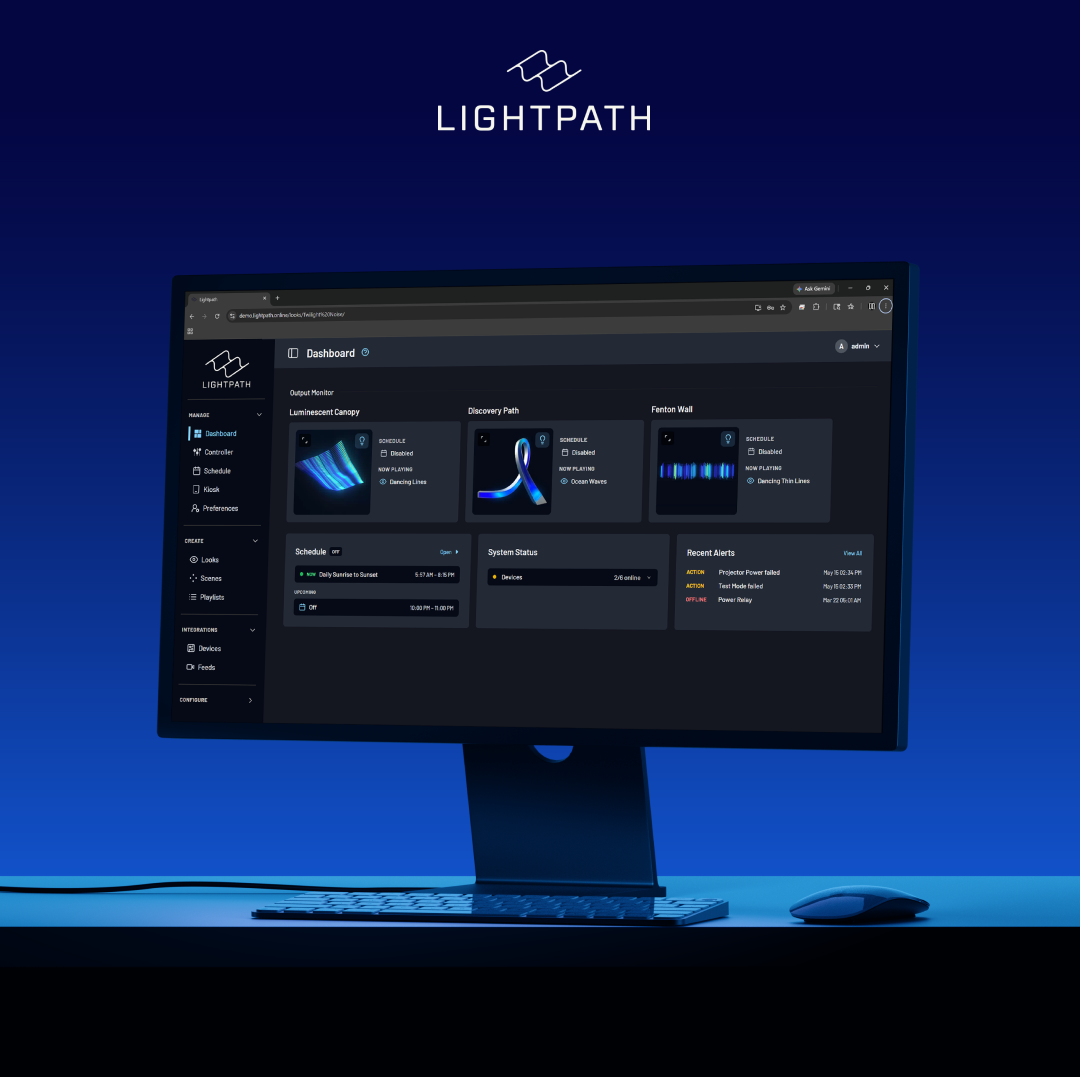
Mockup of Node-RED

Native scheduling through ISAAC

Schedule Lightpath content — a look, sequence, scene, playlist, or action — directly from ISAAC's calendar, and Lightpath picks it up and runs it on time. ISAAC events appear within the Lightpath calendar.

Live telemetry exposed automatically

Lightpath can surface everything it knows about an installation — system status, device parameters, content — to ISAAC as variables. ISAAC dashboards, automations, and alerts see what Lightpath sees the moment Lightpath sees it.

Lightpath UI inside ISAAC

Once configured, the Lightpath interface is reachable directly from ISAAC's control-panel surface — operators run a show from one place instead of bouncing between tools.

Features

Collapse
Compare All

General

Documentation

Includes documentation about the integration.

Fleet

A group of media players sharing one license and templates, with individual players owning their events, playables, variables, and control panels.

UI Setup

Includes a User Interface for setting up the integration.

Variables

Built-in

Readily available variables provided by the Subsystem for use in ISAAC.

Custom

Allows for custom variables to be created in the Subsystem for use in ISAAC.

Activity Logs

Subsystem can utilize the logging feature within ISAAC to log anything from errors to status updates.

Panels

Panels

Integration can publish Panels for use within ISAAC Workspace

Schedule & CMS

Schedule

Events & Playables can be programmatically triggered at specific times using the Schedule.

Events

Subsystem exposes Events, which can be scheduled to trigger specific behaviors in Subsystems.

Playables

Subsystem exposes content such as media files or timelines that is already present as Playable, which can then be scheduled.

Compositions

Playables with customizable content created from Templates, which can be scheduled, allowing for dynamic media playback with various elements.

Templates

Composition Templates created manually in ISAAC Workspace for the subsystem.

Auto Templates

Subsystem exposes Templates for compositions automatically based on their configuration and capabilities.

Instant Play

Allows for the instant playback of media, overriding any scheduled content.

ISAAC CMS

Files or Media can be ingested in ISAAC and fetched by the Subsystem when scheduled.

Direct Media Playback

Ingested Media through ISAAC that can be directly played back on the Subsystem as Playables.

Loop Play Mode

Media players supports looping playback.

Schedule Play Mode

Media players supports playing scheduled content.

Screenshot

View a screenshot of the most recently played media on supported players.

Composition Preview

Visualize compositions before it goes live. When activated in a Composition template, the Subsystem renders a preview of a Composition during authoring.

Other

Pin Auth

Subsystem can use PIN authentication to tie into the ISAAC users and permissions system using a simplified interface.

Identify

Prompts a specific subsystem to identify itself, aiding in locating and distinguishing devices in complex setups.

Lightpath

N/A

N/A

N/A

N/A

"We're thrilled to bring Lightpath into the ISAAC ecosystem. Permanent architectural lighting projects increasingly sit inside larger AV installs — and pairing Lightpath's creative flexibility with ISAAC's orchestration layer means designers, integrators, and operators can all work from a single source of truth. The Smart Monkeys team has been a pleasure to work with."

- Kyle Meredith, Chief Technology Officer at Lightpath